To restore your Signal chats from a Secure Backup, you’ll need a backup completed before you lost access to the old phone, your 64-character recovery key, and the same phone number. The backup is end-to-end encrypted. Without your key, even Signal can’t open it. If you still have your old phone, check that the backup is on and that you can find the key before you trade it in.
Check the backup on your old phone
Open Signal’s settings and tap Backups. Signal’s Secure Backups feature is optional. If you want to use it and haven’t set it up, follow the prompts to enable it and confirm your recovery key. Let the first backup finish before you give up the old phone. If you never enabled Secure Backups and the phone is already gone, there’s no archive from this feature to restore.
Make sure you can reach your recovery key
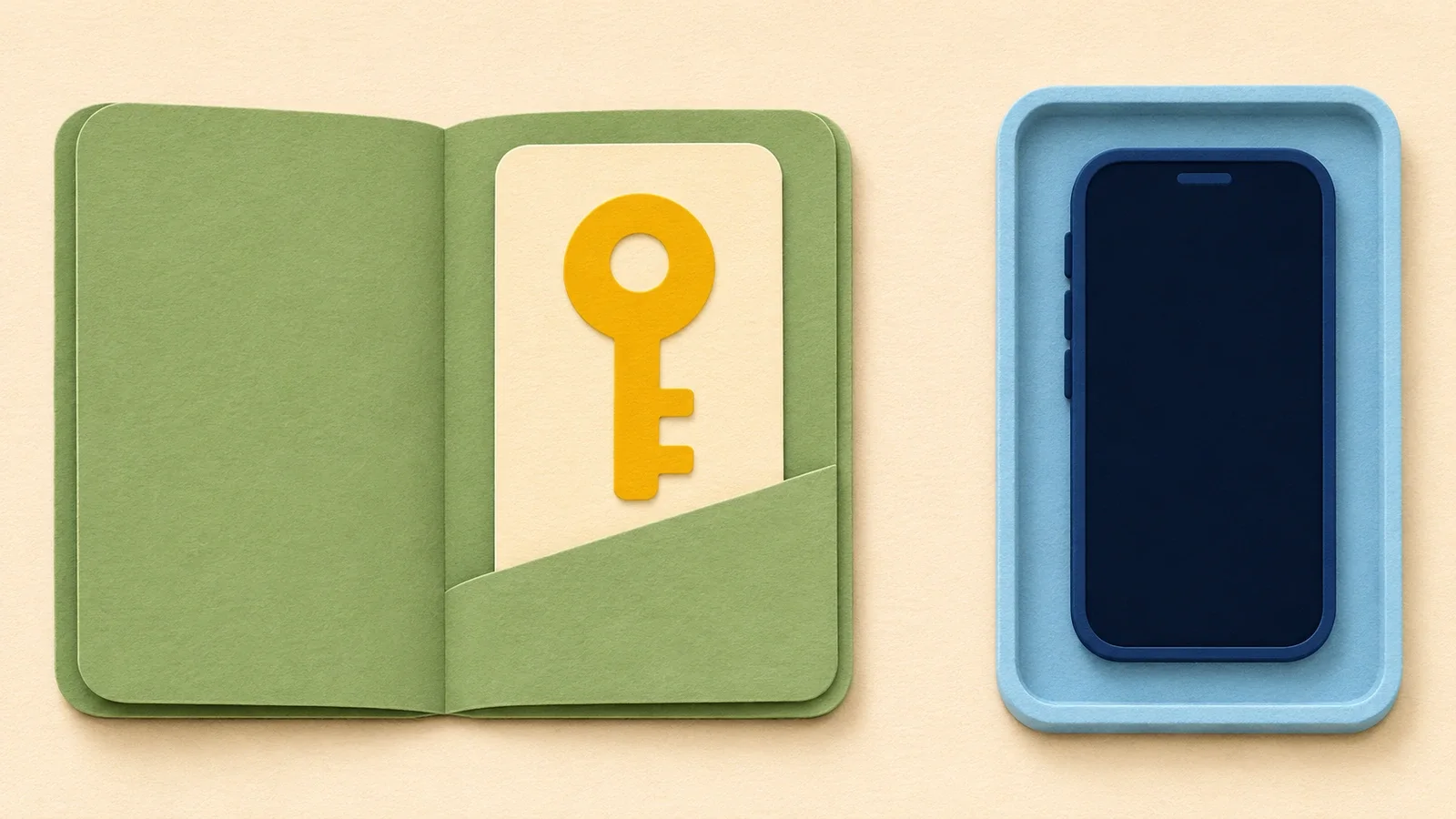
Signal doesn’t receive your backup key. Save it somewhere private that you can reach without the old phone, such as a password manager you can open from another device or a paper copy stored securely at home. The Signal PIN can help recover your profile and settings. The 64-character key unlocks the backup itself.
Look for photos and files you want to keep
The free plan covers regular text history and the last 45 days of media, such as photos and videos. Signal also treats very long messages as attachments, so those messages fall under that same 45-day limit on the free plan. Paid backups can cover older media, subject to the plan’s storage limit. View-once messages and messages due to disappear within the next 24 hours are excluded. See Signal’s notes on what its backups store. If an older photo matters to you, save it separately while you still have access to it.
Restore during setup on your new phone
During setup, use the same phone number you used on your old phone. On the Restore or Transfer Account screen, choose From Signal Backups and follow the prompts to enter your recovery key. A Secure Backup can bring your chat history from Android to iPhone or the other way around. If the backup doesn’t appear, Signal’s troubleshooting guide walks you through checking your number, recovery key, and backup settings.
If you use FuzeVPN while the backup downloads, it encrypts traffic routed through it between your device and the VPN server. That network protection is separate from the encryption on the archive. You still need the recovery key to open it.
Before you erase or return the old phone, open a few chats on your new one and check that the messages and attachments you need are there.