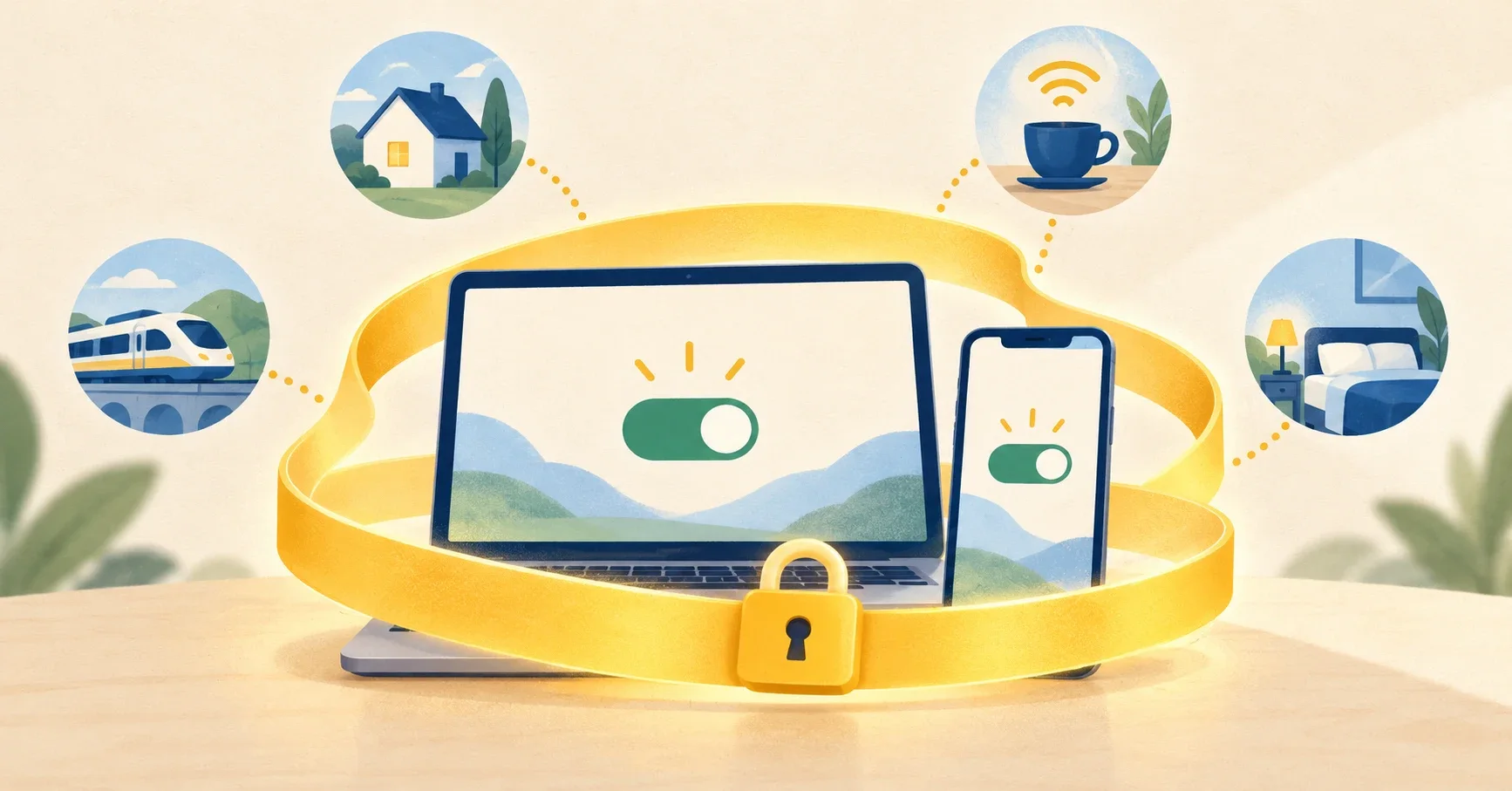
Private browsing limits what your browser saves on your device. A VPN encrypts traffic between your device and a VPN server. For traffic that passes through the VPN, websites normally see the server’s IP address. You can use both, but neither makes you anonymous.
Private browsing vs VPN: the differences
This comparison looks at private windows in Chrome and Firefox on a computer alongside a connected VPN. Details depend on your browser, VPN and settings.
What private browsing and a VPN do SituationPrivate browsingConnected VPN Browsing history on your devicePrivate session history is not savedDoes not delete browser history Cookies created in a private sessionDeleted when the private session endsDoes not delete cookies IP address seen by a websiteNot hidden by this mode aloneVPN server’s IP for traffic through the VPN Wi-Fi network or internet providerActivity may still be visibleTraffic to the VPN server is encrypted Account used on a websiteThe site can recognise you if you sign inThe site can recognise you if you sign inThe browser details come from Google’s Chrome help and Mozilla’s Firefox help. The VPN column assumes the connection is working and the traffic in question passes through it.
What can remain on your device?
Say you’re looking for a gift on a shared computer. A private window keeps the pages from that session out of the browser’s regular history. In Chrome and Firefox on a computer, cookies created during a private session are temporary: close all private windows to end the session. Leaving one open can keep the session going.
Not everything is cleared. Files you download and bookmarks you save remain on the device. A search made while signed in may also be associated with your account by the service you use. Private browsing does not erase existing history from ordinary windows.
Private browsing alone does not hide your IP address from websites. A site may also collect details about your browser and combine them to try to recognise your device. The UK Information Commissioner’s Office explains how cookies and browser fingerprinting can be used. You can see some of the information a page can access with this browser privacy check.
What a VPN changes on the network
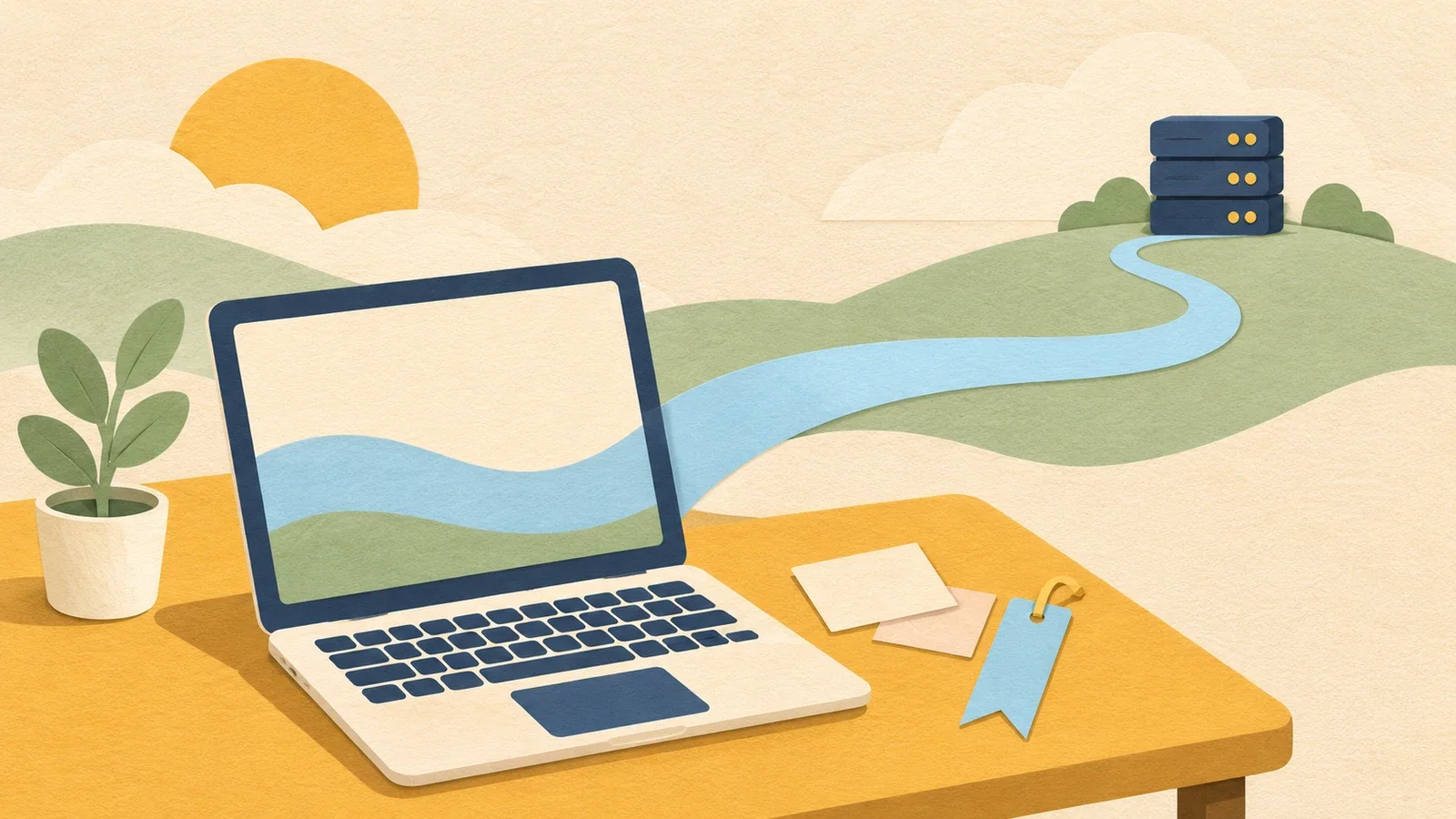
A VPN sends the traffic it covers through an encrypted connection to its server. The Wi-Fi operator and your internet provider cannot read the contents of that tunnel; websites normally see the VPN server’s IP address instead of your public IP address. The network operator can still see a connection to a VPN server.
For example, FuzeVPN’s Windows and Android apps protect device traffic that passes through the VPN. A browser extension protects browsing traffic in that browser, subject to its exclusions and limits; it does not cover other apps. Check which traffic your chosen tool covers.
A VPN provider becomes an intermediary for some of your traffic, so check its privacy policy and how it handles data. In its mobile communications guidance, the US Cybersecurity and Infrastructure Security Agency advises against personal VPNs, saying they can shift risks to the provider. The guidance is aimed particularly at people likely to be highly targeted.
HTTPS remains useful because it protects the connection to the website beyond the VPN server. But HTTPS does not guarantee that a site is trustworthy. A VPN cannot stop you entering a password on a fake page, does not delete cookies and does not on its own protect you from malware or a compromised account.
When might you use both?
If your aim is to leave fewer browser traces on a shared computer, private browsing may be enough. If you also want covered traffic encrypted to a VPN server and websites to see that server’s address, you can connect a VPN before opening a private window. The protections are separate: a site can still recognise you when you sign in.
On a borrowed computer, access sensitive accounts only if you trust the device: a private window does not neutralise spyware installed on it. Before handing it back, sign out of any accounts you used, close every private window and delete downloaded files you do not want to leave behind.